
Completing the Notes Section
In the Ad-Hoc Visit, only the Notes section is available.
Record any specific notes related to the visit here. Back-office staff may also enter notes that require your response.

Submitting the Visit
Once you have filled out all mandatory details, select ‘Submit’ to mark the visit as completed.

Cancelling the Visit
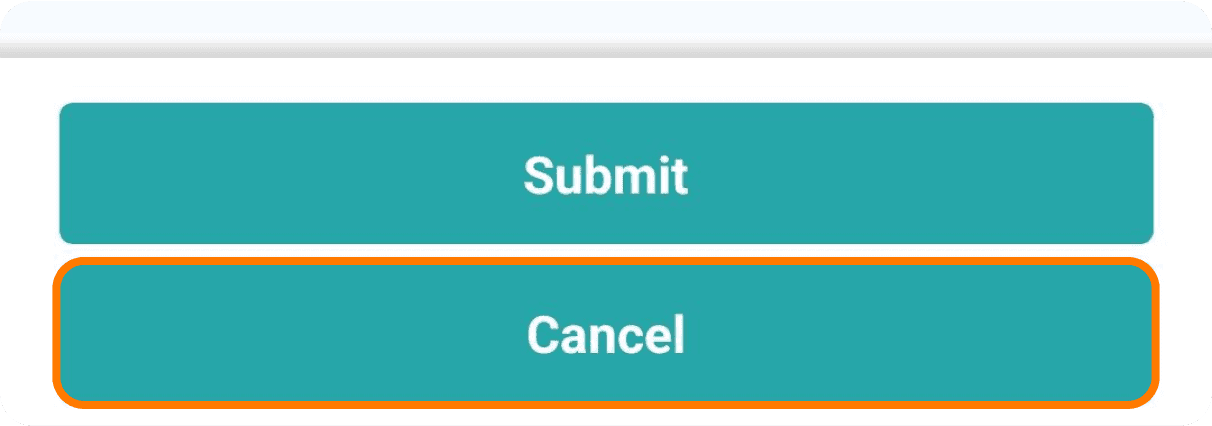
If you cannot complete the visit, you can cancel it by selecting ‘Cancel’ within the visit sheet.
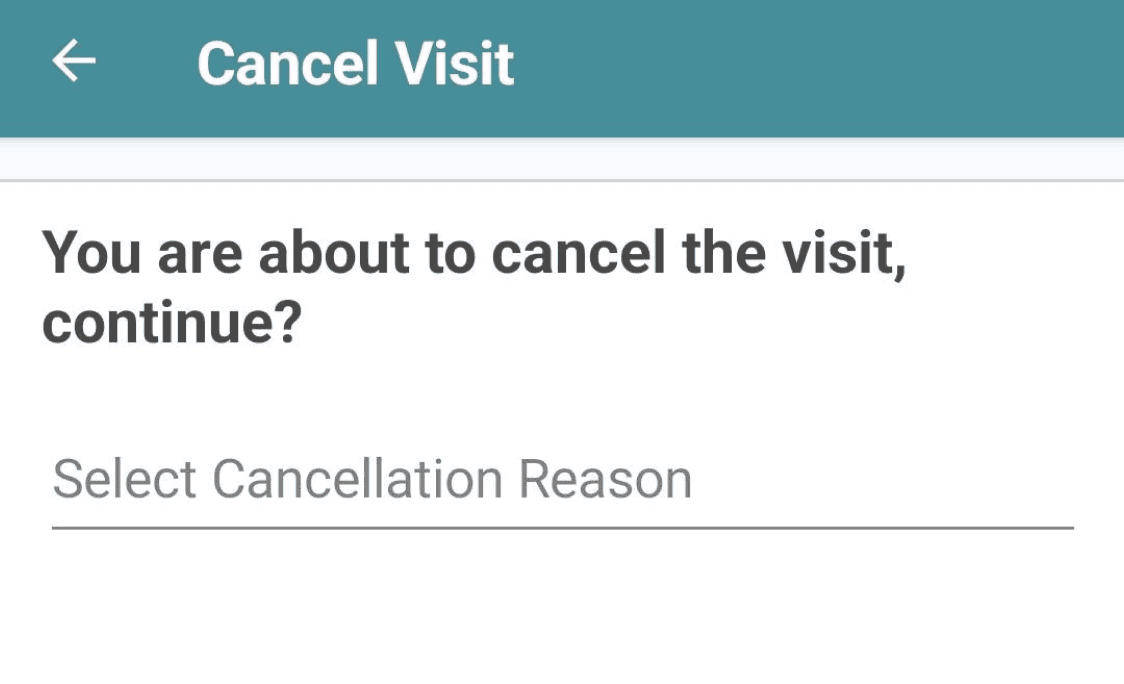
This will open a search field for a cancellation reason. Type in your reason, and matching options will appear below. Cancellation reasons must match those set up in the back-office.
After selecting the reason, choose ‘Continue’ to submit the visit as cancelled. You will then be directed back to the machine list, where the visit will be marked as ‘Cancelled’.

Contact
Hospitality
T: +44 (0)1642 358779
E: datamanagement@vianetplc.com
SmartVend
T: +44 (0)1642 358720
E: help@vianetplc.com
SmartInsight
T: +44 (0)1642 867940
E: advancedreportingteam@vianetplc.com
© Vianet Group PLC. Incorporated in England, being it's main place of operation.
Registered in the UK, Company No. 5345684