
What is Offline Mode?
Offline Mode lets you complete tasks in the app without an internet connection
Indication of Offline Mode
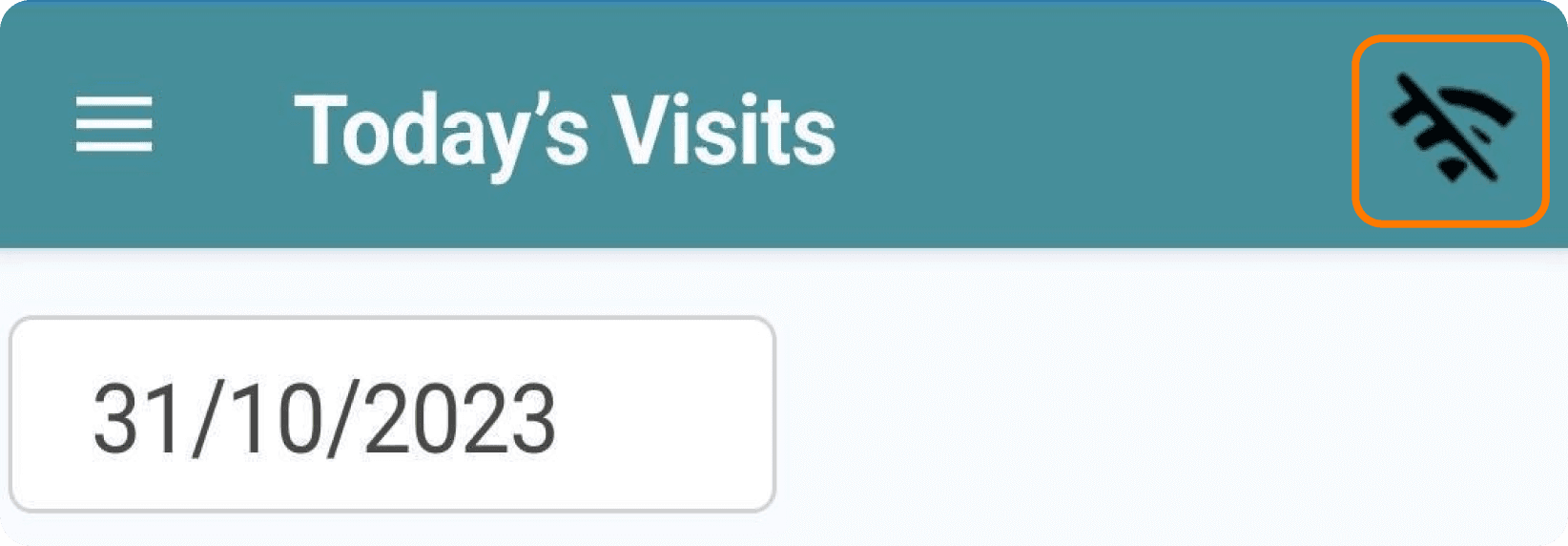
If you lose connectivity, an indication icon will appear in the top right of the app
Using the App while Offline
If you see this icon, you can still complete visits scheduled for your route. The information will be submitted once you regain connectivity. You can also perform Stocktakes and Stock Transfers in offline mode.
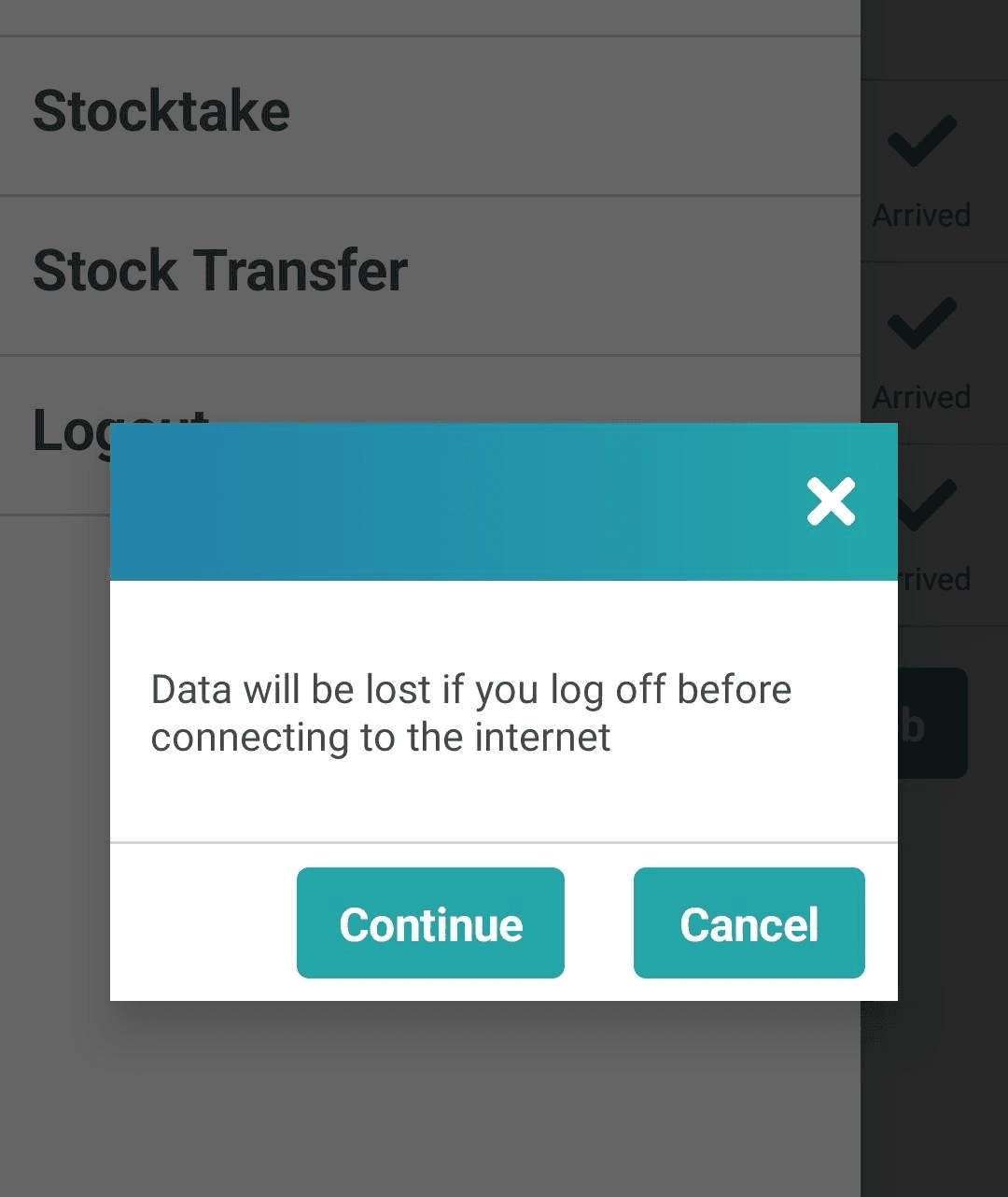
If you select “Logout” while in offline mode, you’ll get a prompt warning that logging off will result in data loss. Choose ‘Continue’ to log out and lose data, or ‘Cancel’ to remain logged in.
Prompt Notifications
In offline mode, you will still receive prompts related to your visits.
Quick Tip
Avoid logging out or closing the app while in offline mode, as any information entered will not be submitted and may result in data loss.
Visit Added Notification
In offline mode, you won’t receive notifications for new visits added to your route.
Regaining Connectivity
When your app regains connectivity, a loading screen will appear as it syncs with the web, submits information, and updates to ensure the latest data. Do not close the app during this process, as it will interrupt synchronization.


Contact
Hospitality
T: +44 (0)1642 358779
E: datamanagement@vianetplc.com
SmartVend
T: +44 (0)1642 358720
E: help@vianetplc.com
SmartInsight
T: +44 (0)1642 867940
E: advancedreportingteam@vianetplc.com
© Vianet Group PLC. Incorporated in England, being it's main place of operation.
Registered in the UK, Company No. 5345684